Data Engineering with Databricks and ADF
In my previous project, clients uploaded data from their CRM and SAP systems into an Azure Data Lake. From the Data Lake, we collected the data, transformed it, and stored it in an analytics SQL server. We also analyzed the data using Power BI. I have created a sample project that outlines the details of these activities step by step, along with an attached coding file.
My sample data comprises three main files: product, customer, and sales. I have moved all these files to the “raw” folder in Azure Data Lake (ADL). After loading the files into my notebook from the raw folder, I processed the data and saved the files in the “processed” folder of ADL. In our project, we manually run our job in Databricks daily according to customer requirements and store the data in the analytics database by date.
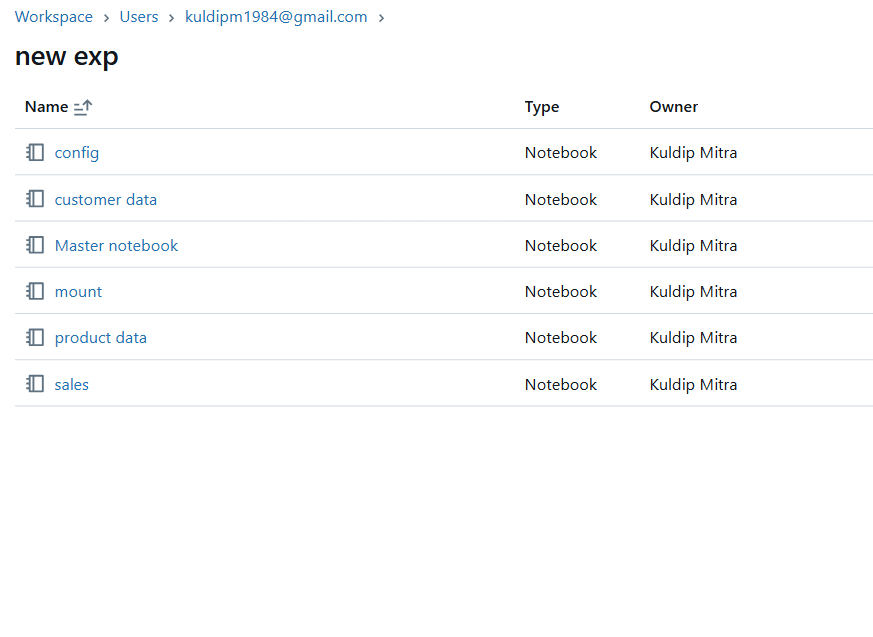
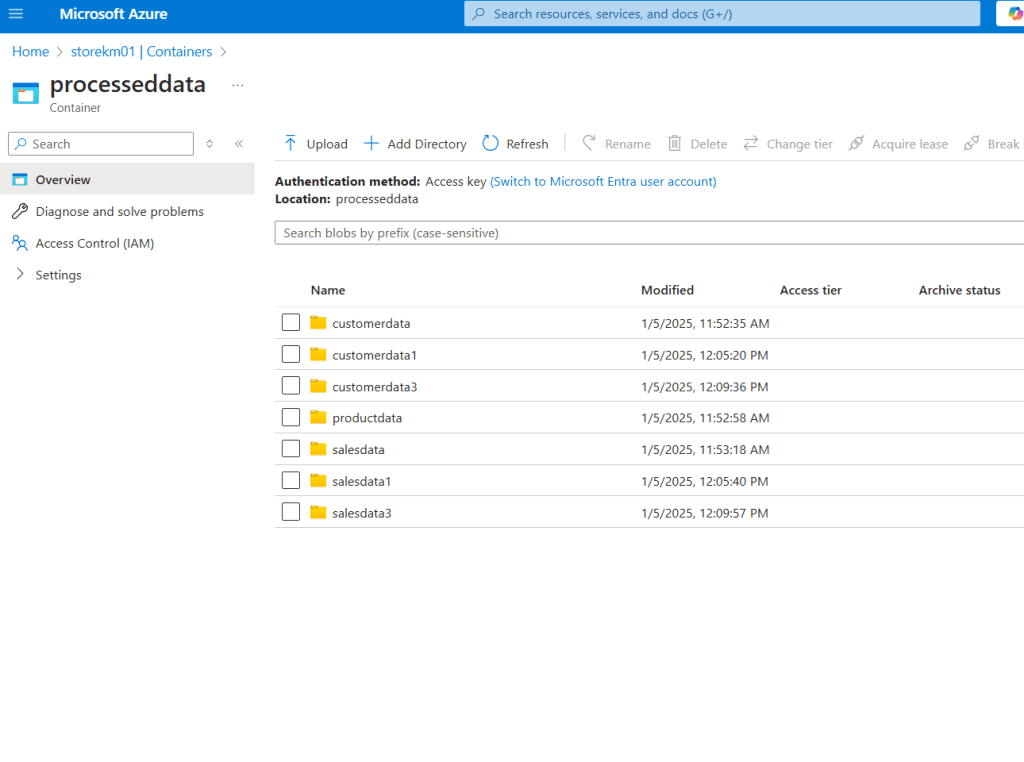
I connected ADL with Databricks using a key and service principal. Additionally, I created a configuration file to store the paths for the raw and processed folders and the key values. I also developed a master notebook to run all the individual notebooks and created a mount file that includes all the Spark configurations of the service principal.
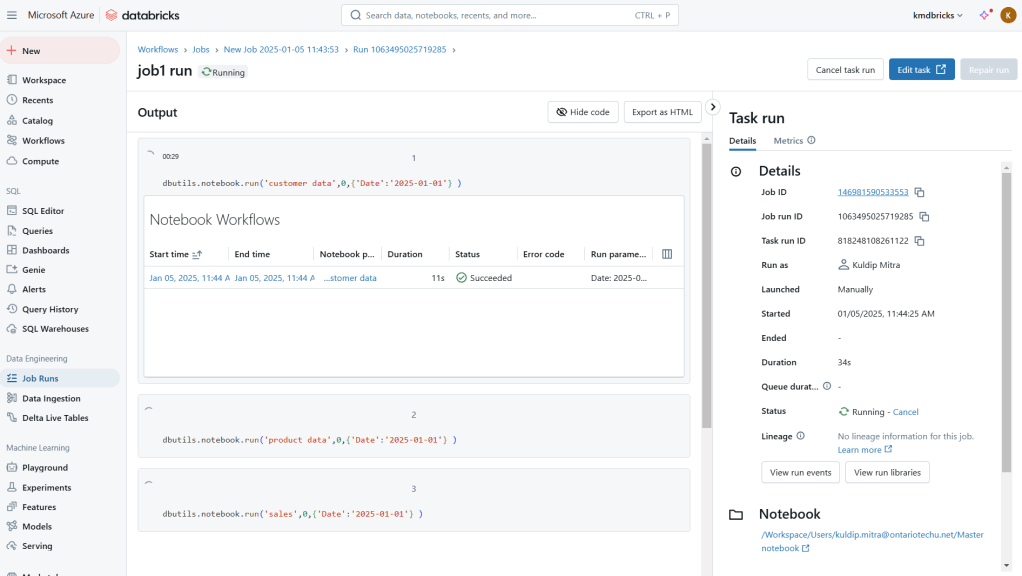
Created a job to run the master notebook for date-wise transformation and store transformed data from the raw folder to the processed folder.
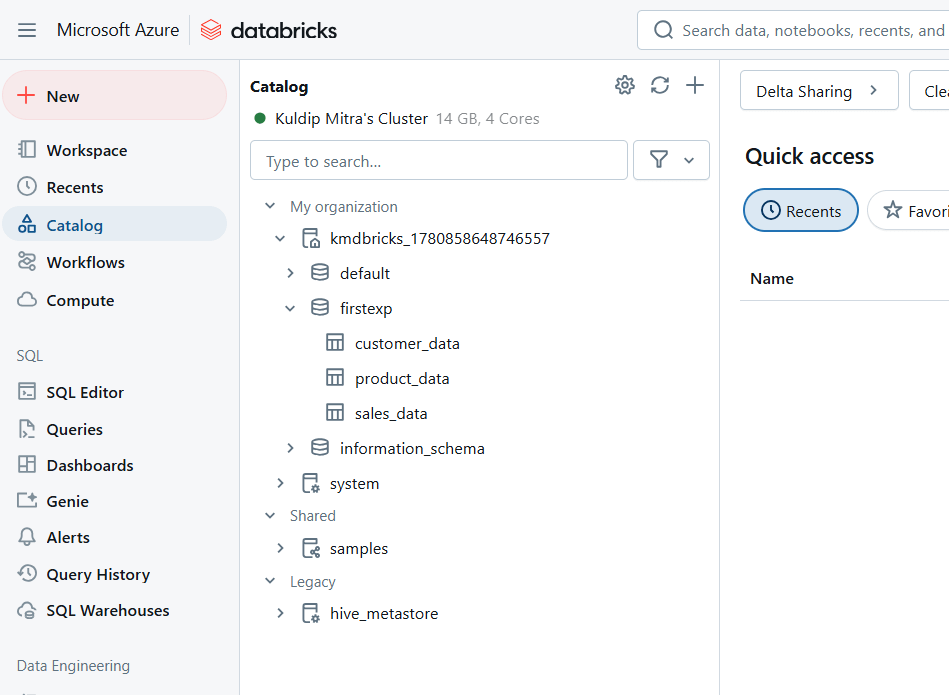
In our project, we created managed tables for efficient SQL calculations. We also connected Power BI with Databricks for data analysis and visualizations before transferring the data to Azure SQL Server.
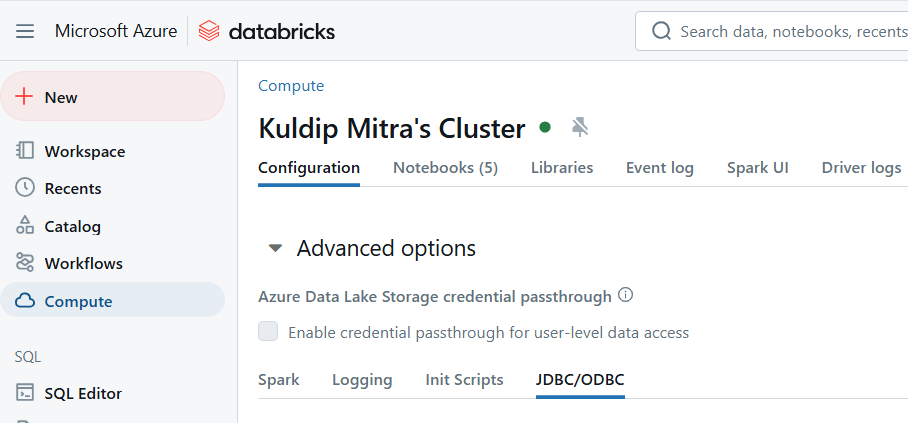
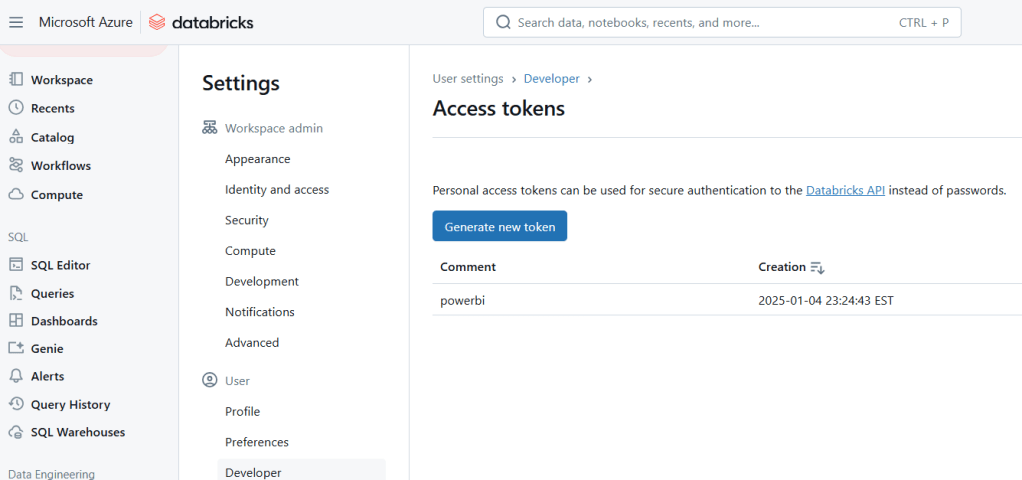
Using the JDBC connector and access token we can connect power BI with Databricks for analysis and visualization
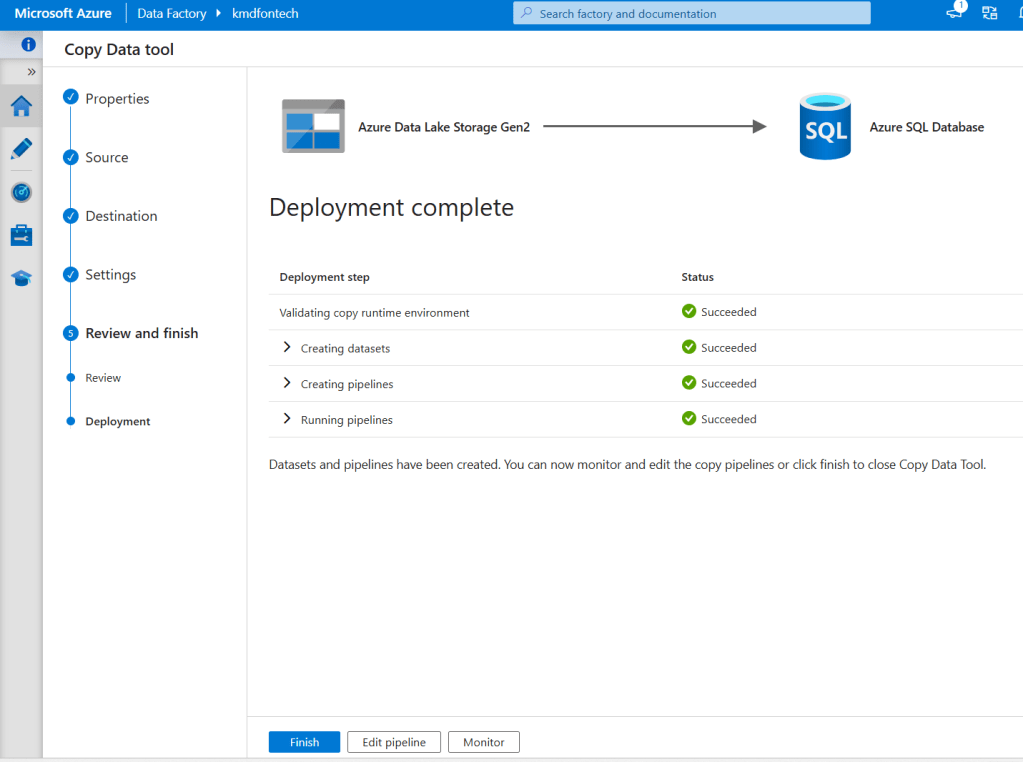
Once the data is prepared and stored in the processed folder, we used the copy activities of Azure Data Factory to transfer all the data to the analytics database for further analysis.
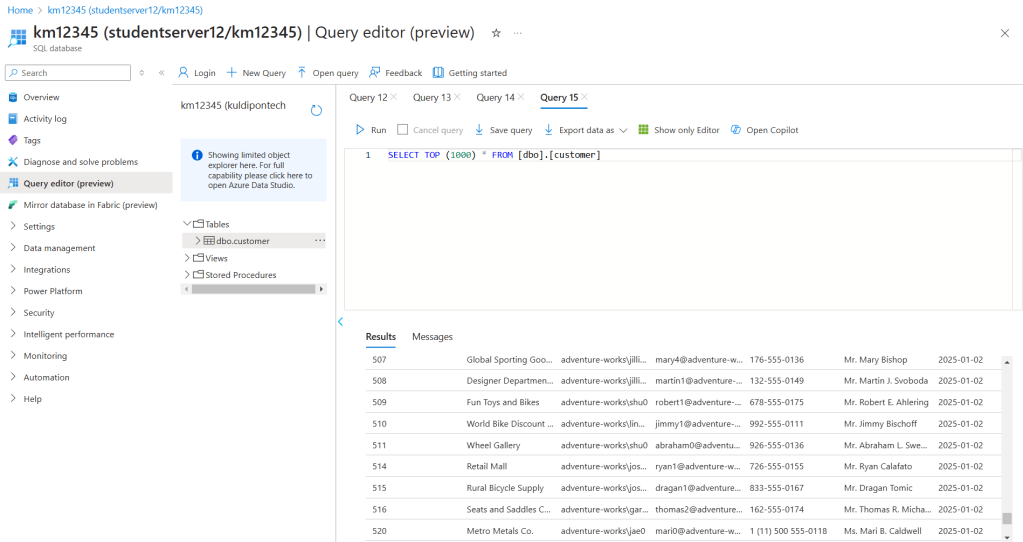
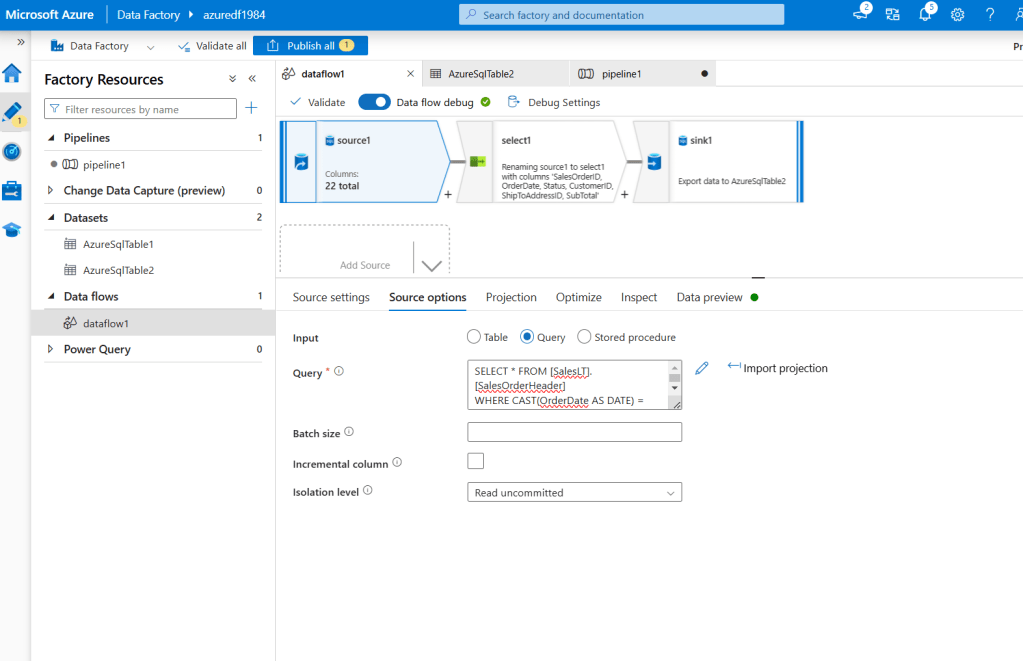
In ADF, I have created a data flow to transfer the data between different databases. I have used Source Query to select specific dates and a visual block to select a few columns and moved the selection to another database using the trigger of pipeline 1.
Github link: https://github.com/kuldipm1984/data_Engineering/tree/main
 Portfolio